

Making a route
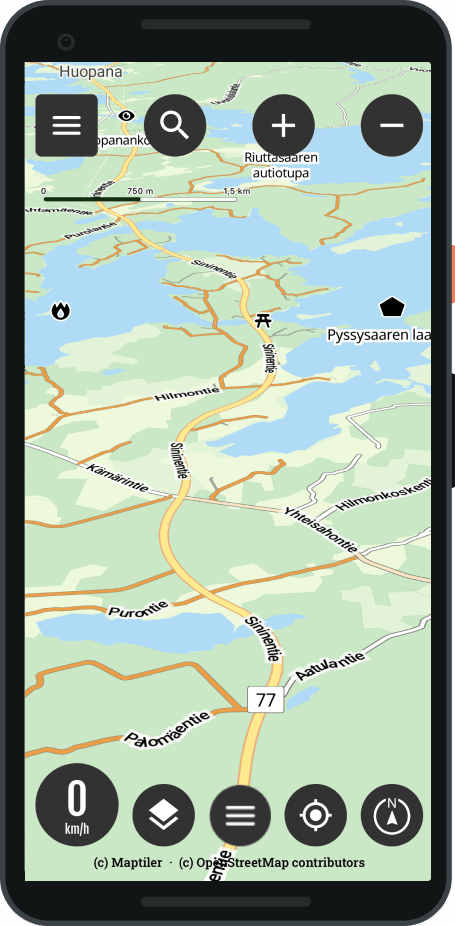
Choose a destination
- Select Destination wanted from the map
- Press Long press
- Routing settings open
Or
- From the main view, select the Routes menu
- Select Create a new route
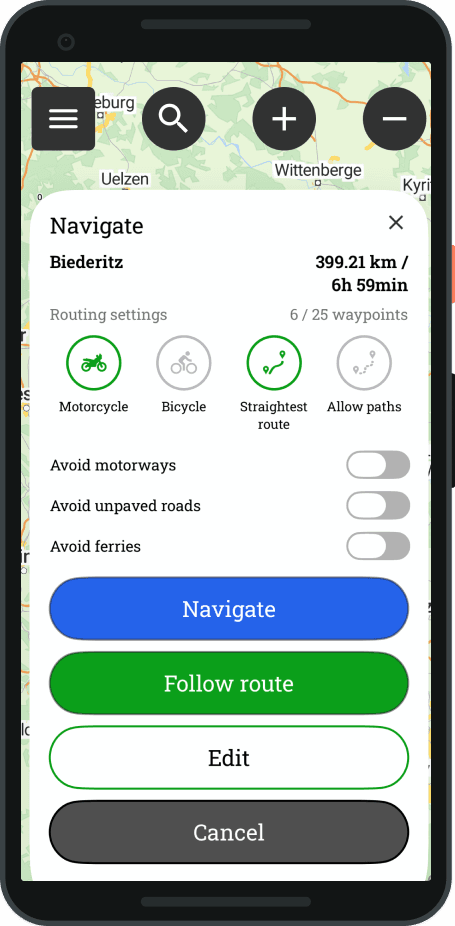
Routing settings and editing
- Select desired routing settings
- Select Modify, the view opens
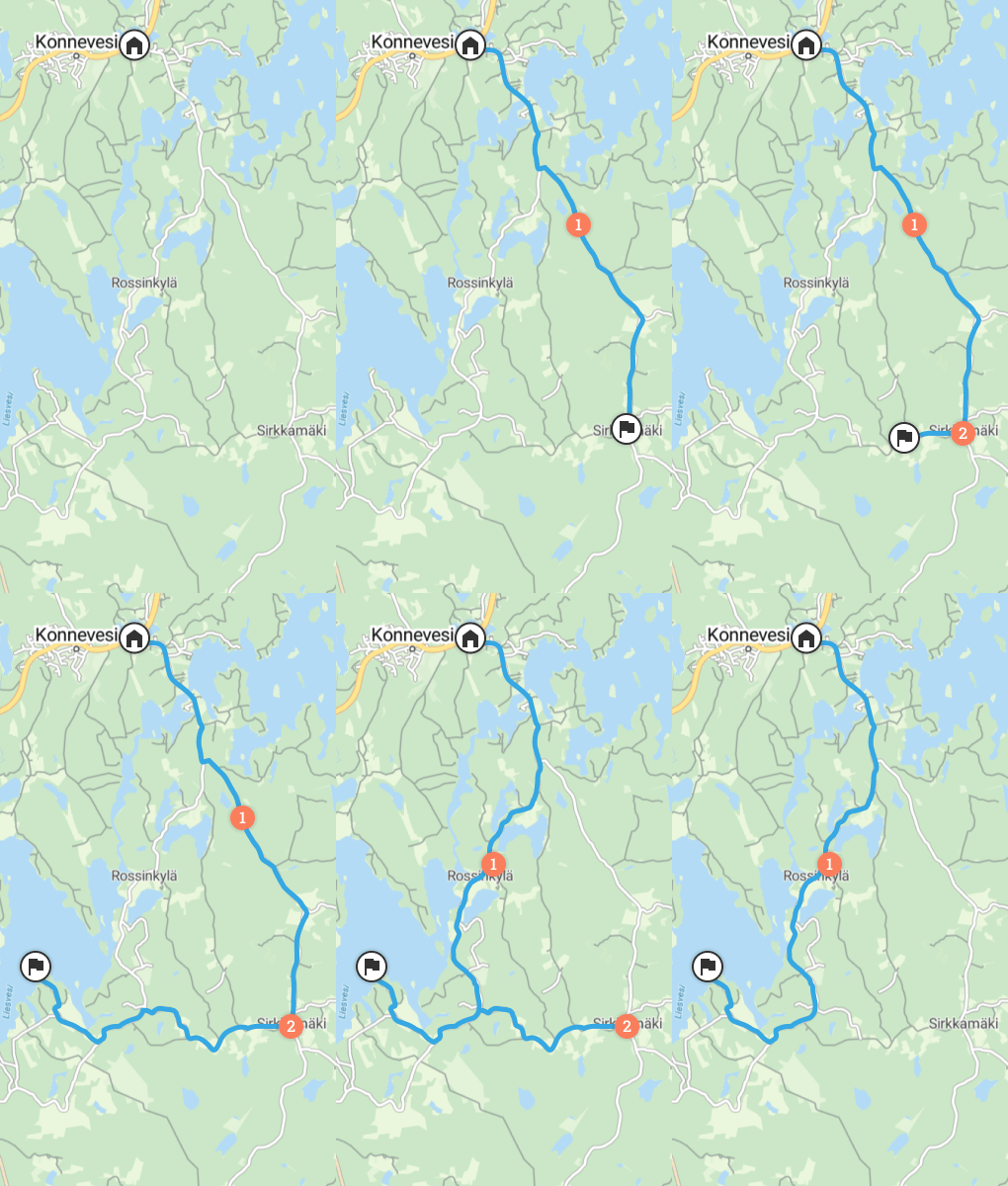
You can easily edit the route
- Add new waypoint with long press
- Delete waypoint with long press
- And press the trash can
- You can move drawing all the dots
- You can add between points (note: the dot cannot be added from afar)
- You can use the undo / redo functionality





 Finnish
  English
  Swedish
  German
  French
  Spanish