

Making a route
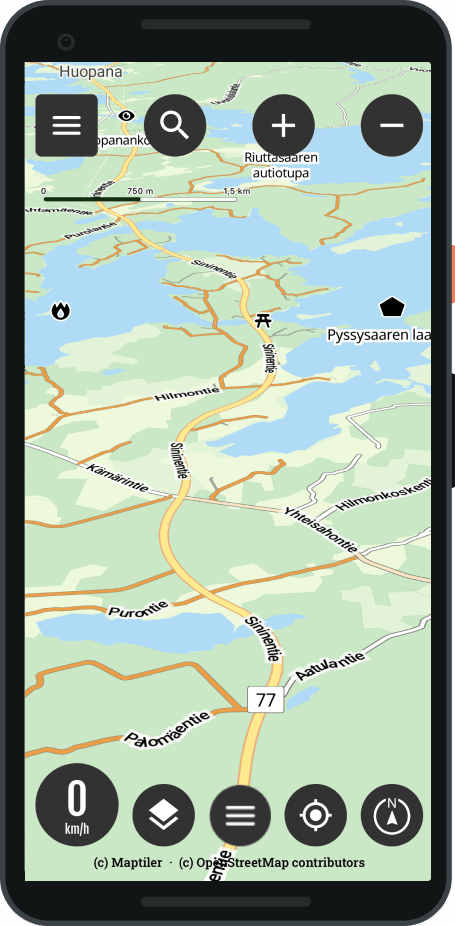
Choose a destination
- Select Destination wanted from the map
- Press Long press
- Routing settings are opening
Or
- From the main view, select the Routes menu
- Select Create a new route
- Routing settings are opening
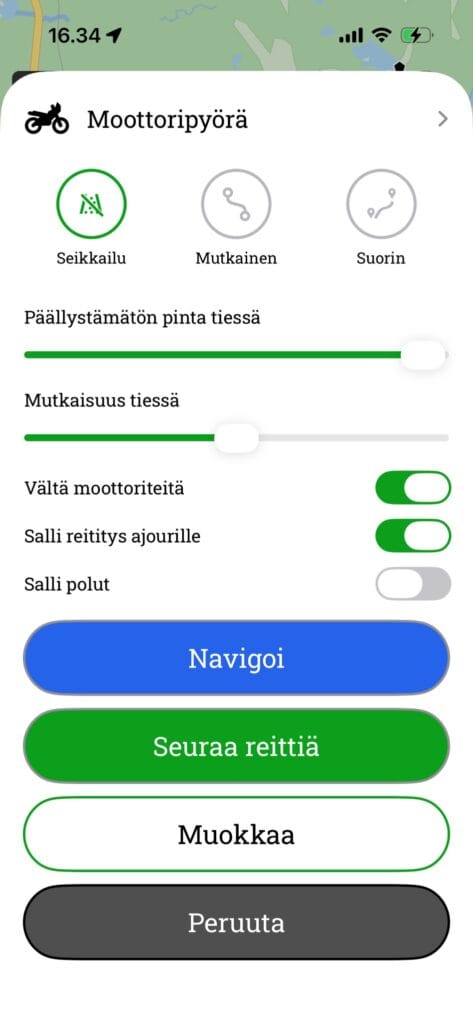
Routing settings and editing
- Select the desired routing profile
- Adventure
- Curvy
- Straight
- Use additional settings if necessary
- Avoid motorways
- Avoid routing onto the carriageway
- Avoid walking on the footpaths
- Avoid ferries
- Avoid customs duties
- Select Modify, route editing opens
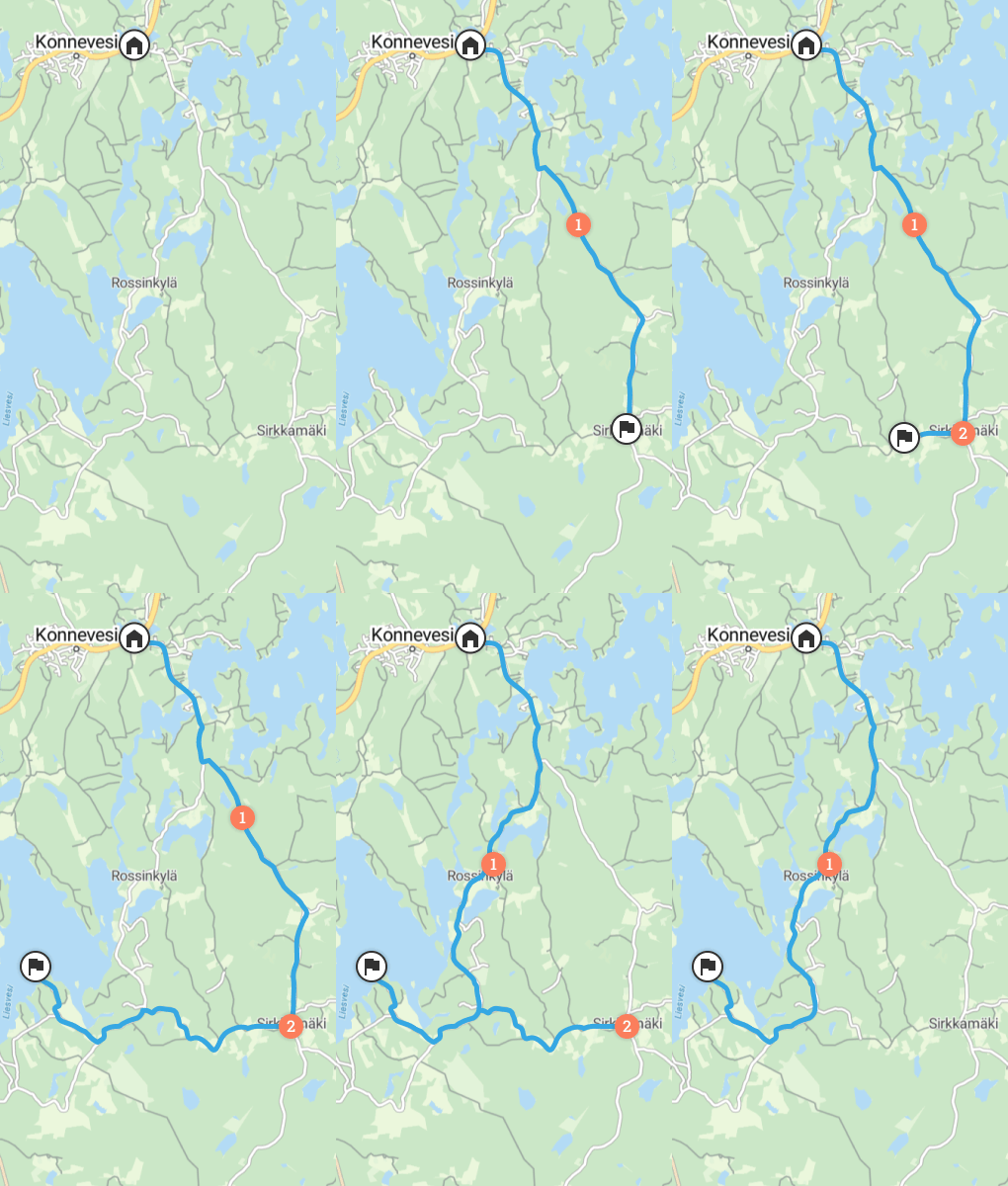
You can easily edit the route
- Add new waypoint with long press
- Delete waypoint with long press
- And press the trash can
- You can move drawing all the dots
- You can add between points (note: the dot cannot be added from afar)
- You can use the undo / redo functionality
- You see uncoated routes in orange





 Finnish
 English
 Swedish
 German
 French
 Spanish