

The "Rides Groups" feature makes it easy to arrange rides and share routes within a group. You can share common routes directly with the group, making ride planning effortless.
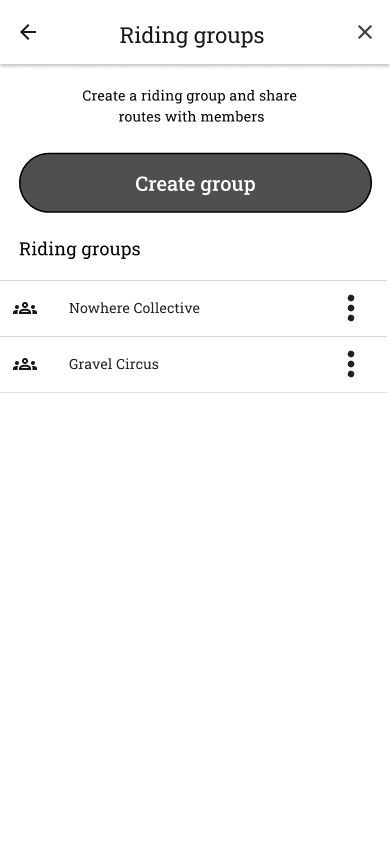
Open the main menu and select Riding groups. You see all the driving groups you belong to, and you can create a new group +-button.
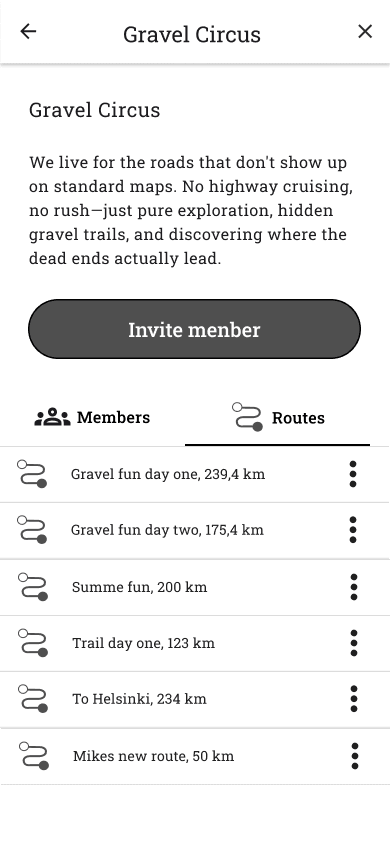
The group's view includes:
- Name and description
- Members and Roles (founder, route editor, member)
- Routes shared in a group
- You can also edit the group's information if you are its founder
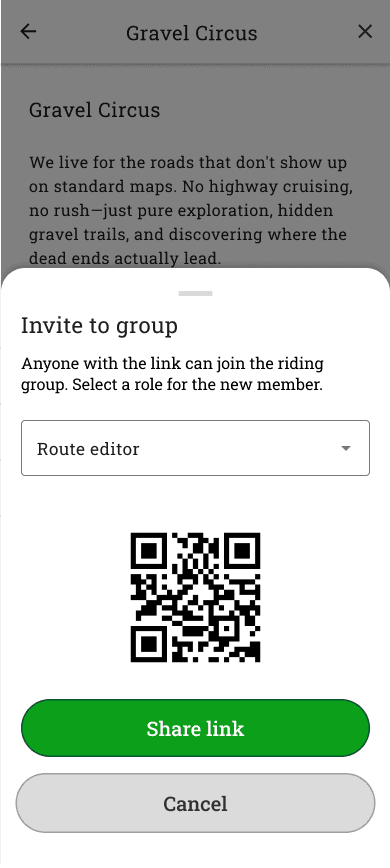
Invite to group
- Press Invite member button.
- Choose role: Route editor or Member.
- Select Generate invitation link.
- Share the link or show the QR code to your friend.
- By clicking the link or scanning the QR code, you can join the group.






 Finnish
 English
 Swedish
 German
 French
 Spanish