

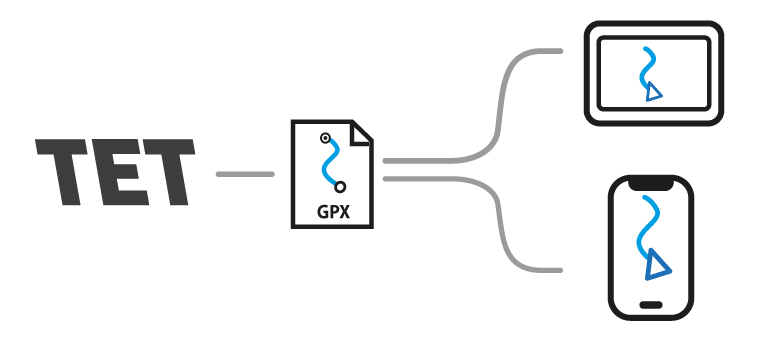
In this guide, we’ll go through how to download the official Finnish TET route (Trans Euro Trail) as a GPX file and transfer it directly to the Bikenavi app for driving..
Phase 1
Download the GPX route from transeurotrail.org
Open the TET website
Select country: Select a country from the list where you want to download the route (e.g. Finland)
Accept the terms: Read and accept the terms of use for the route and the driving rules before downloading the file
Download the file: The file (FIN.gpx) is downloaded directly to the phone's storage / Downloads folder.
Phase 2
Select from the menu Imported routes
Select Import GPX file
The phone's file browser and import view open
Find the file you downloaded FIN.gpx and select it
The route is imported into the app
Select Set route on map and start driving




 Finnish
 English
 Swedish
 German
 French
 Spanish