

Getting started and settings
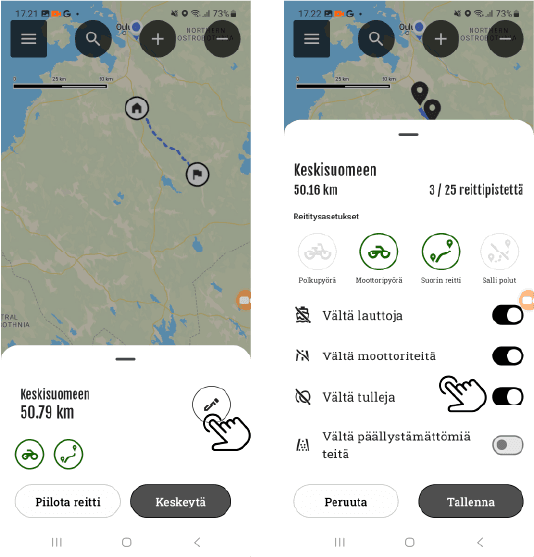
- You can edit Appropriate routes
- Select the route you want to edit.
In edit mode
- You can change the vehicle
- Routing settings
Editing a route
You can edit your own routes as follows:
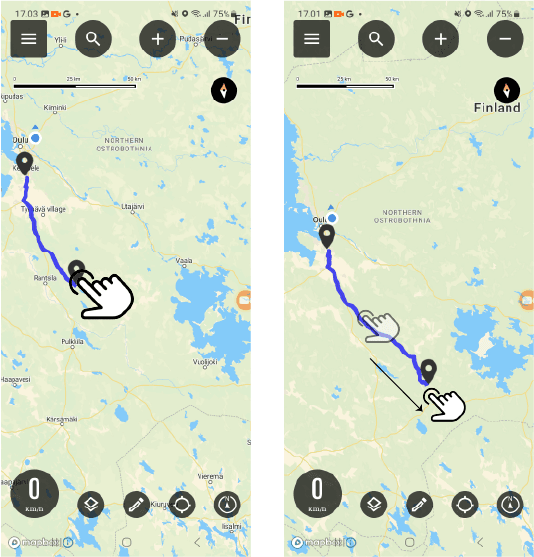
Continue the route: Long press to add points.
Transfer points: You can move all points on the route.
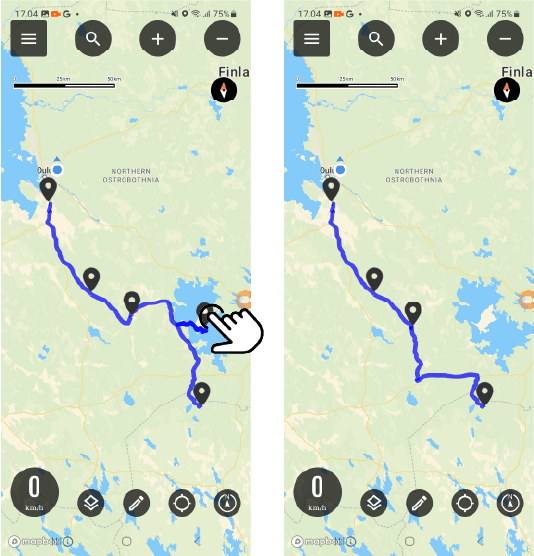
Delete point: Tap a point to remove it from the route.
Continuing the route
You can continue the route by adding a new one waypoint by long pressing the map at the desired location.
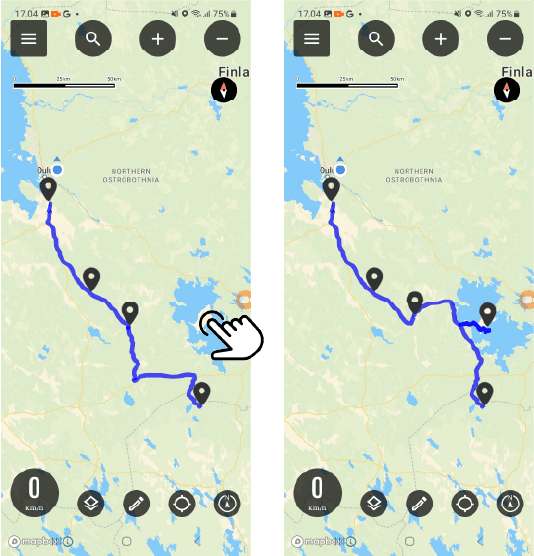
Point movement
Select the point you want to move and drag it to the desired location on the map.
Point removal
End of editing
You can stop editing by pressing the pencil symbol in the submenu.
Then save the changes you made to the route.






 Finnish
 English
 Swedish
 German
 French
 Spanish