


You can quickly tilt the map by selecting the map mode: Direction of travel and tilt
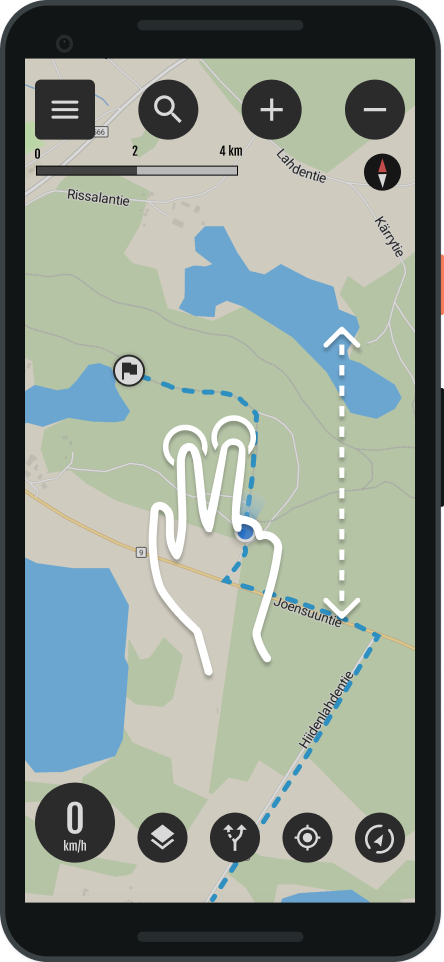
Map tilt
You can also tilt the map yourself.
- Tilt the map with a two-finger gesture
- Pushing forward, tilts the map
- Pulling back, returns the tilt to normal.
- Tip: The push and pull gesture with both thumbs works best
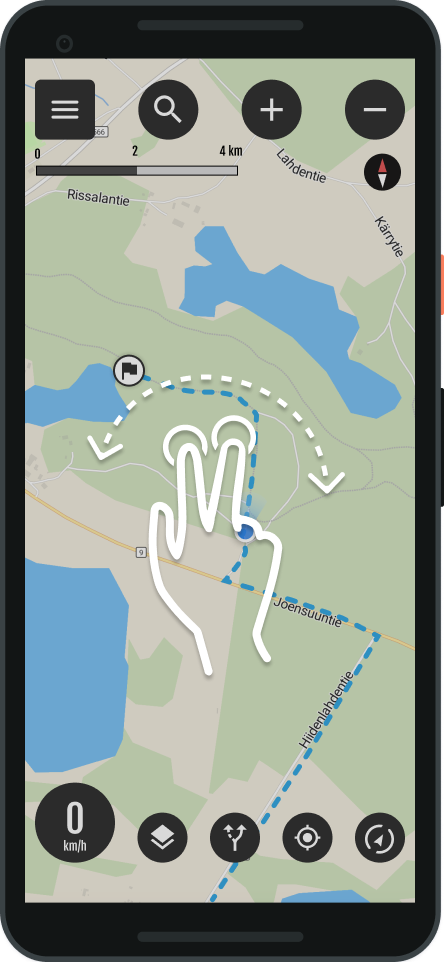
Map rotation
- Rotate the map with a two-finger gesture
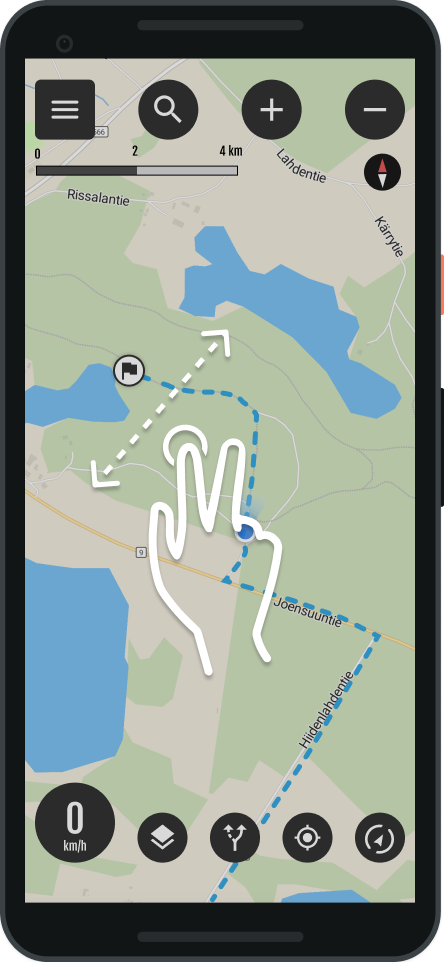
Dragging the map
- You can move the map by dragging





 Finnish
  English
  Swedish
  German
  French
  Spanish