

About the mobile app
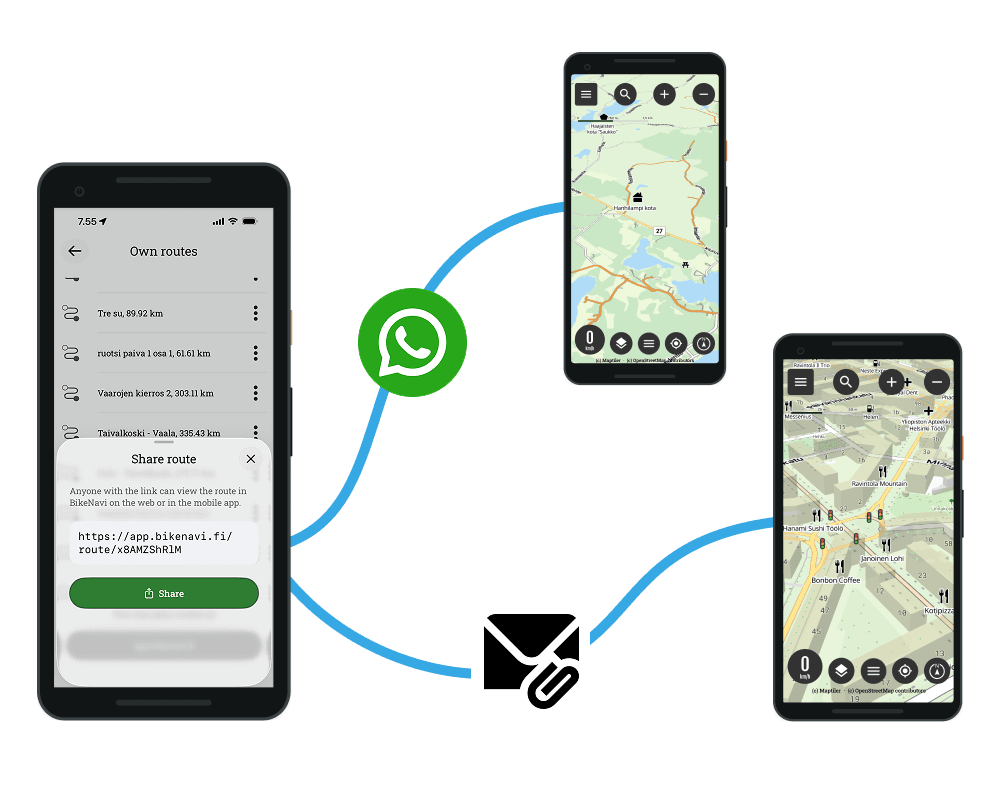
The Bikenavi mobile application is available for both Android– that On iOS devices, and it enables effortless route planning and precise navigation directly on your mobile. All the plans you make on your phone sync seamlessly with the route planning that works in the browser at app.bikenavi.fi. Sharing created routes has been made easy: you can send a finished route directly from the app to a friend, for example via WhatsApp.


Features

Works everywhere
Bikenavi goes with you everywhere – plan a route and navigate wherever you drive or cycle. The app works worldwide.

Clear maps
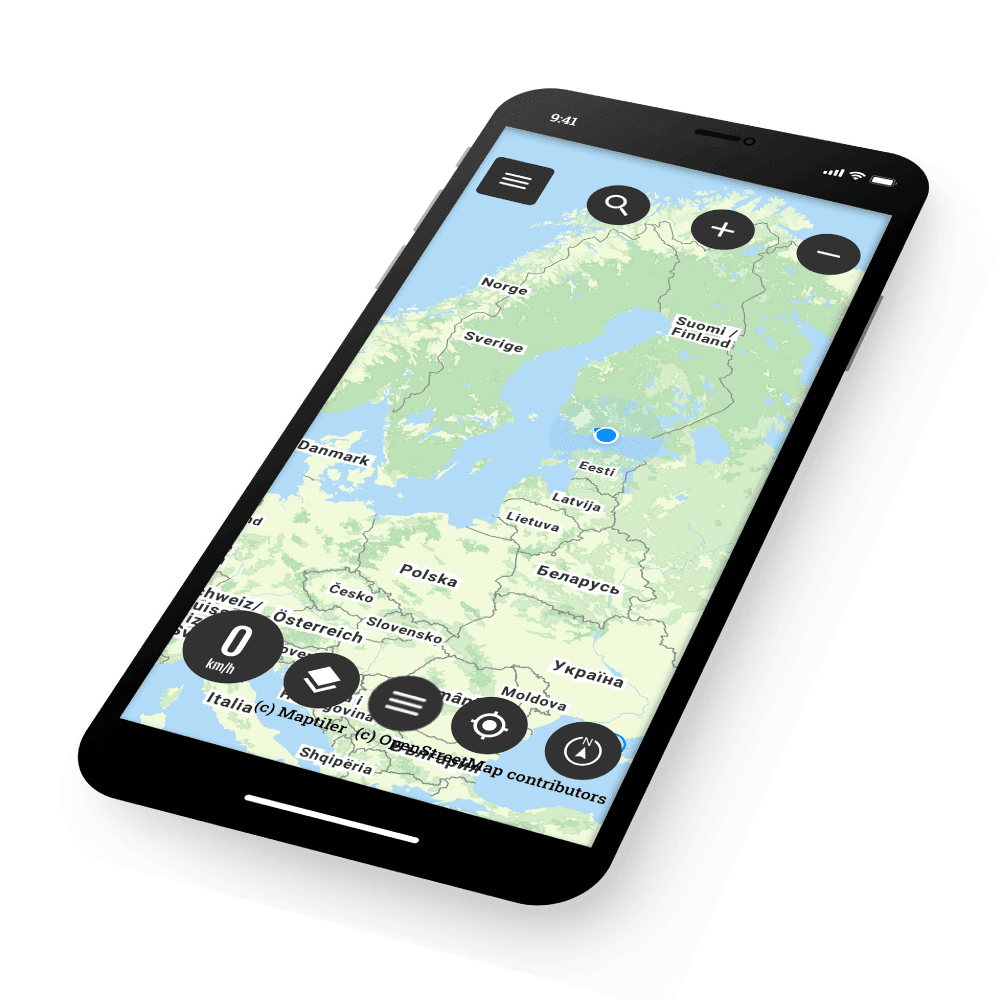
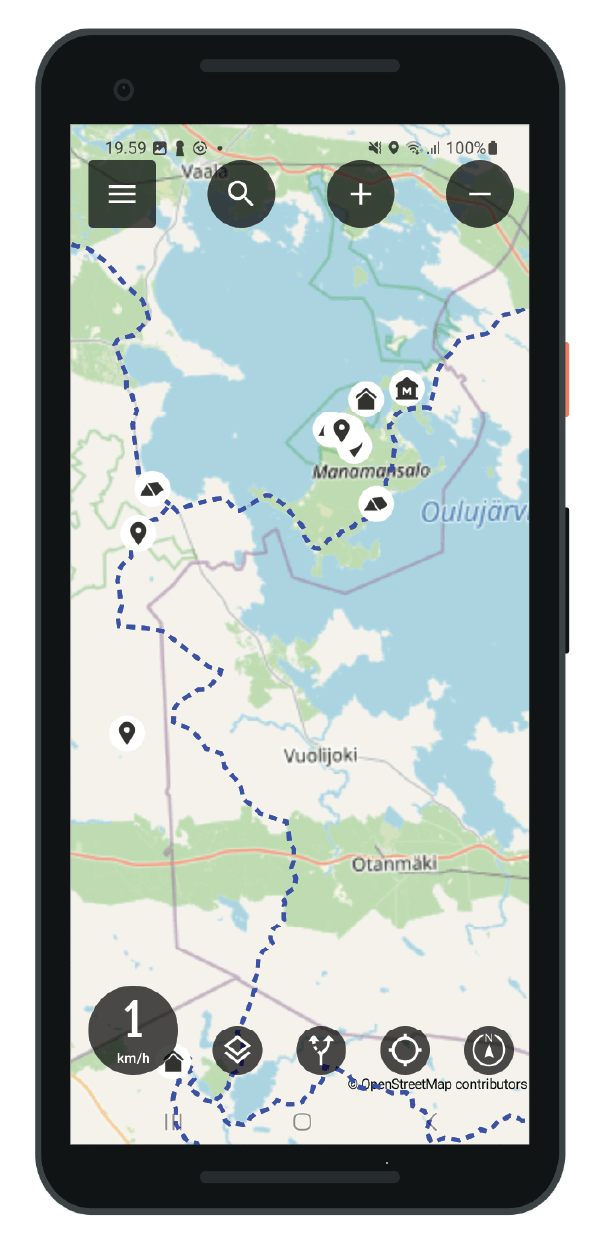
Bikenavi offers six different map templates, including terrain maps and aerial views, to support route planning and navigation. The maps make route planning quick and clear in different environments.
Unlike many other map apps, Bikenavi shows smaller roads on the map even at lower zoom levels.

Navigation
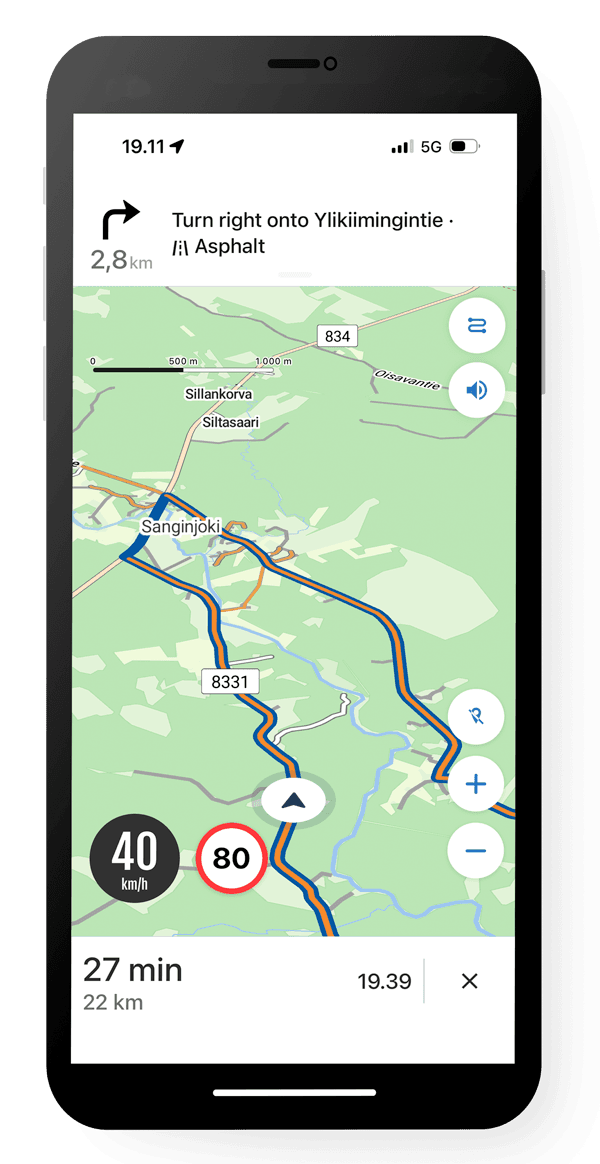
Bikenavi takes care of the navigation for you, so you can fully concentrate on the ride. Comprehensive route options and clear guidance ensure that the road takes you exactly where you want to go – the way you want.
-
Routes tailored to your driving style: Select the main profile appropriate for the situation – Adventure (sand and minor roads), Curvy (winding scenic roads) or Straight (the most efficient and fastest route). Fine-tune the whole by adjusting the unpaved road and sinuosity sliders, or exclude motorways, paths, tracks, ferries, and tolls.
-
Precise visual instructions and road surface: You can see the next turn and the distance at a glance. The driving view and the next turn guidance tell you directly when there is an unpaved road section ahead.
-
Flexibility on the move: You can manage waypoints and delete an intermediate stop directly while navigation is in progress without stopping.
-
Audio guide: Follow the directions using your helmet intercom or headphones – your phone can safely stay in your pocket while you ride.
-
Automatic rerouting: If you deviate from the route, the application will immediately calculate a new driving route that matches your chosen profile.
Follow the route
You can also follow the route and your own location in the traditional way directly from the map without separate turn-by-turn instructions. This is perfect for relaxed free driving.

Smooth route planning
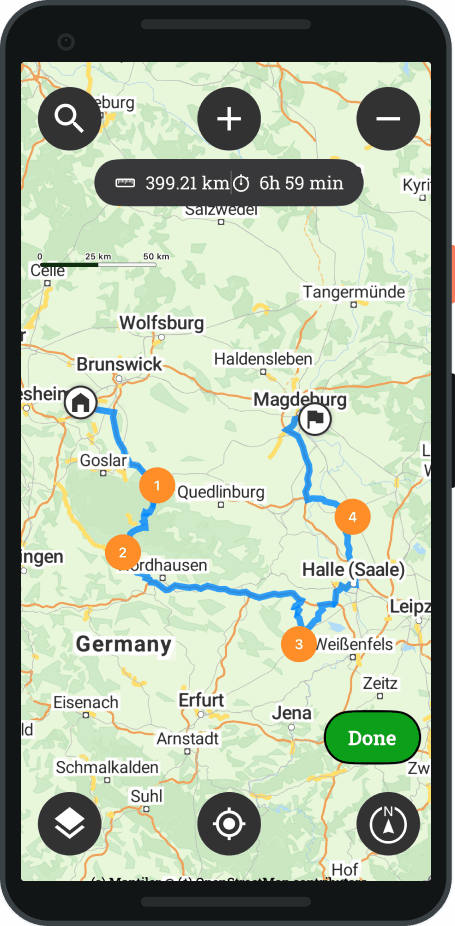
Easily plan your route by selecting your destination directly from the map and the app will automatically create a route for you. You can flexibly change the starting point, add via points and fine-tune the route details to suit your needs. Clear address information and versatile routing options ensure that you can optimize and modify your route effortlessly.

Versatile search function
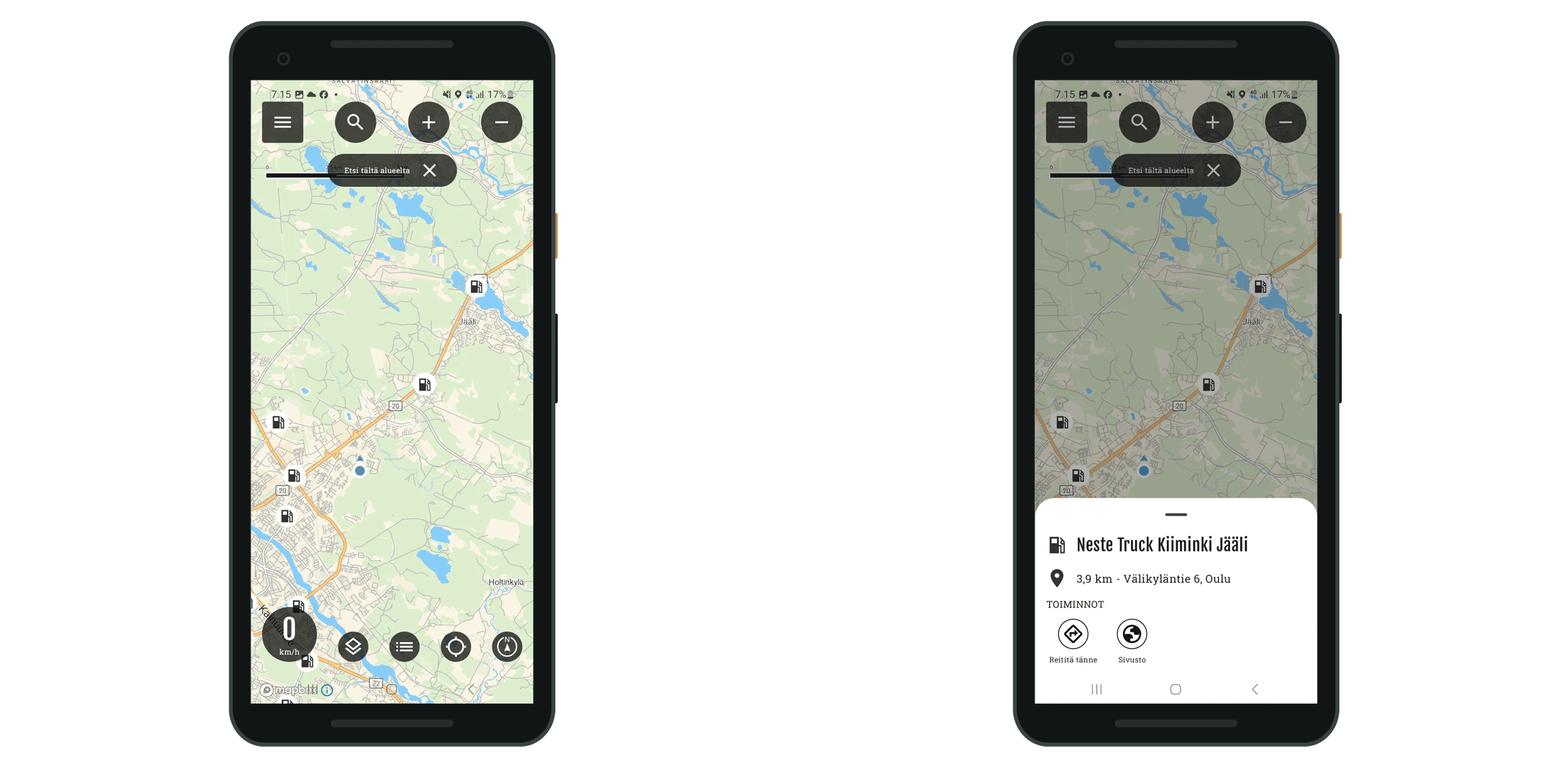
You can search for destinations by name, address or pre-defined categories, such as gas stations, shops and attractions. The map templates also utilize local data sources, such as Metsähallitus' location data - for example, lean-tos, huts and excursion destinations can be easily found.

Riding groups
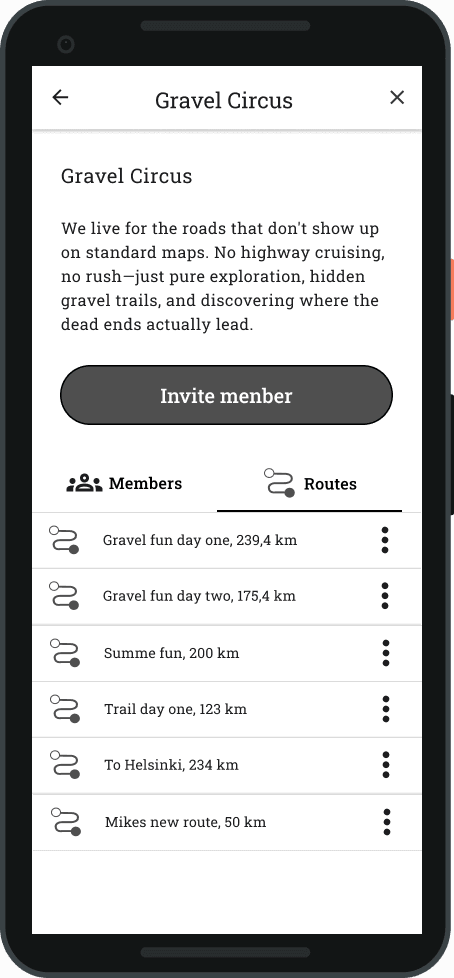
The "Rider Groups" feature makes organising group rides with friends, riding groups, and clubs effortless. You can create your own groups and share routes directly with the pack, making ride planning straightforward and easy.


Coating information
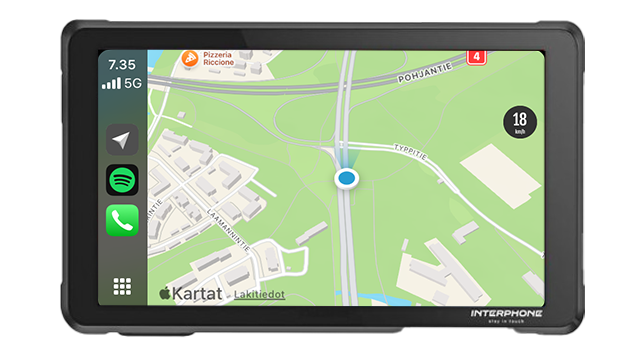
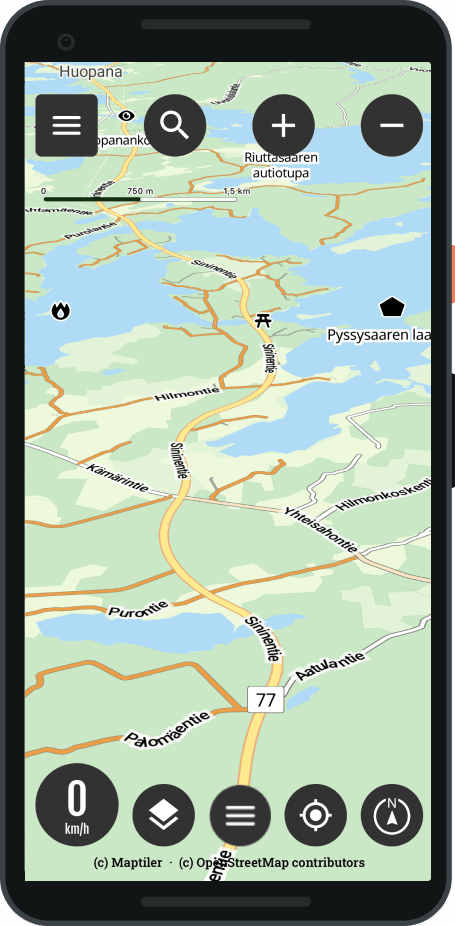
You see the unpaved roads on the map orange paths all over the world. Predict road quality easily: the road surface is visible directly in the navigation view and the next one in the translation details, so you always know exactly what lies ahead.

Sharing, importing and exporting routes
Bikenavi subscribers can now share routes instantly with their friends, for example via a WhatsApp link directly from the My routes menu. GPX files allow you to import TET routes or routes ridden by friends onto the map, for example. At the same time, you can easily export your own routes for sharing, use in other applications or navigators.

Means of transport
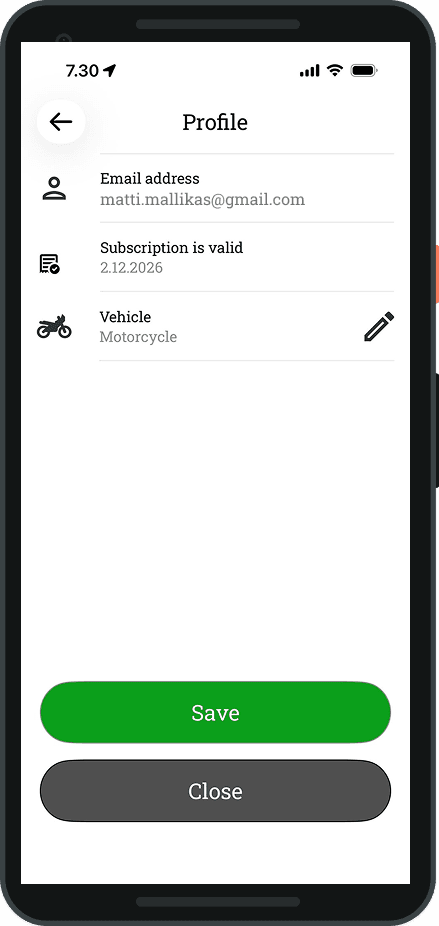
In your profile, you can choose to ride a motorcycle or a bicycle. Your choice will affect the route planning. Plan and ride routes in a way that suits you.
Watch the video
Bikenavi features at a glance


 Finnish
  English
  Swedish
  German
  French
  Spanish