

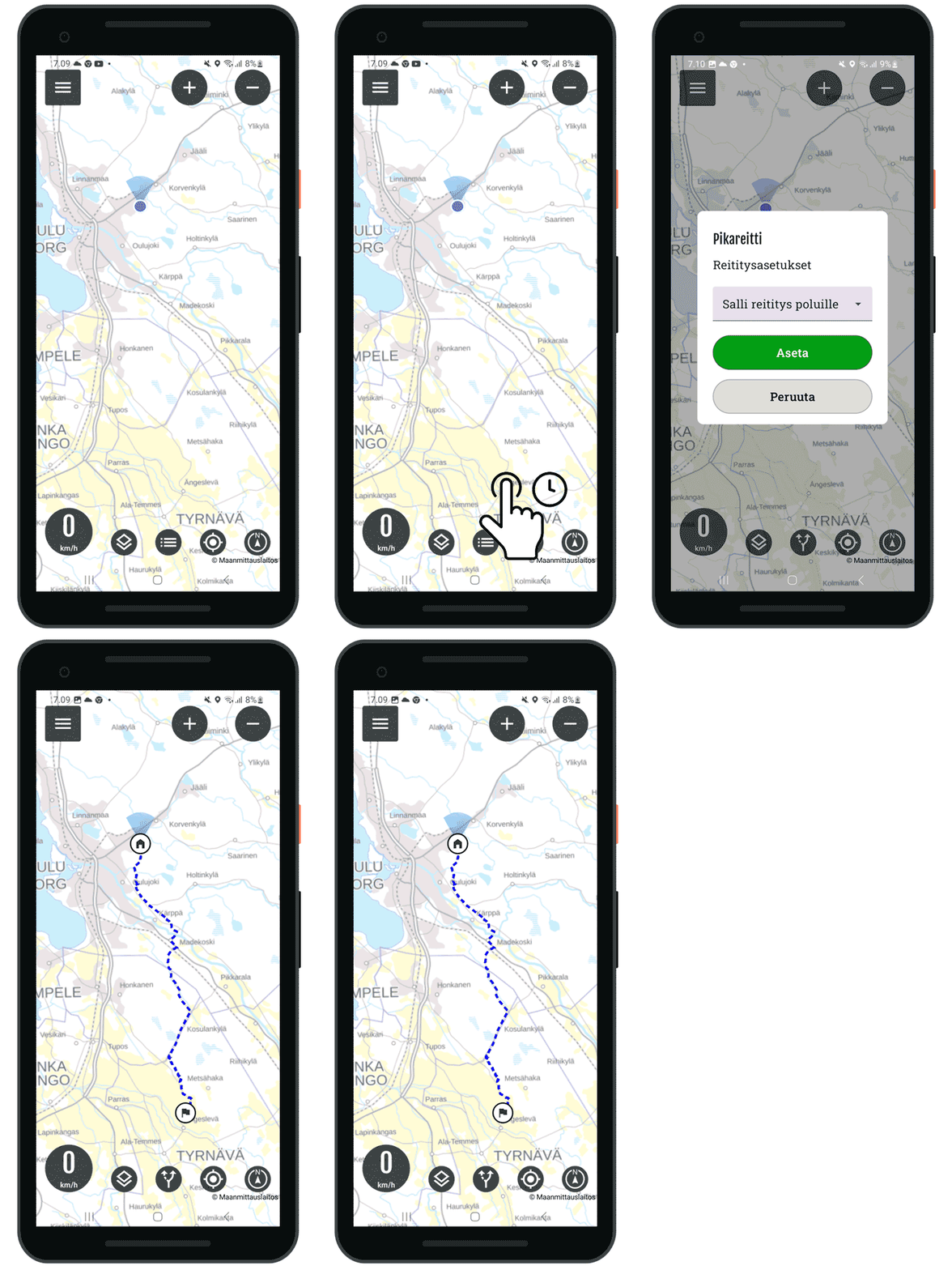
You can quickly create a route from your current location to your desired destination. The route is not saved and cannot be edited.
Making a shortcut
- Select destination from the map
- Hox! press long pressuntil the routing settings open
- Select the desired setting
- Select set
- The route is drawn on the map
- Navigate by following the route to a destination
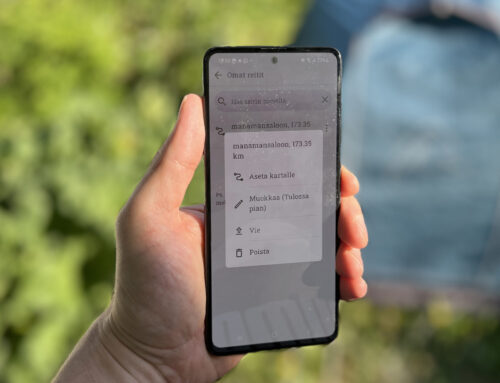
- The Routes button shows the length, vyou can also hide the route
- You can always create a new route with a tap, the old route will be replaced
Interrupting a route
- Select routes button in front view
- Press pause
It is recommended to create complex routes in the app app.bikenavi.fi
Enable the shortcut, Download Bikenavi or update the app




 Finnish
 English
 Swedish
 German
 French
 Spanish