

Plan your adventure!
Bikenavi makes route planning effortless. Choose your destination, customize your route and get going. The app makes it easy to plan and navigate routes – whether you're on a motorcycle or a bicycle.
The Bikenavi app is available on both For Android and iOS devicesIt works together with the route planner in the browser at app.bikenavi.fi.
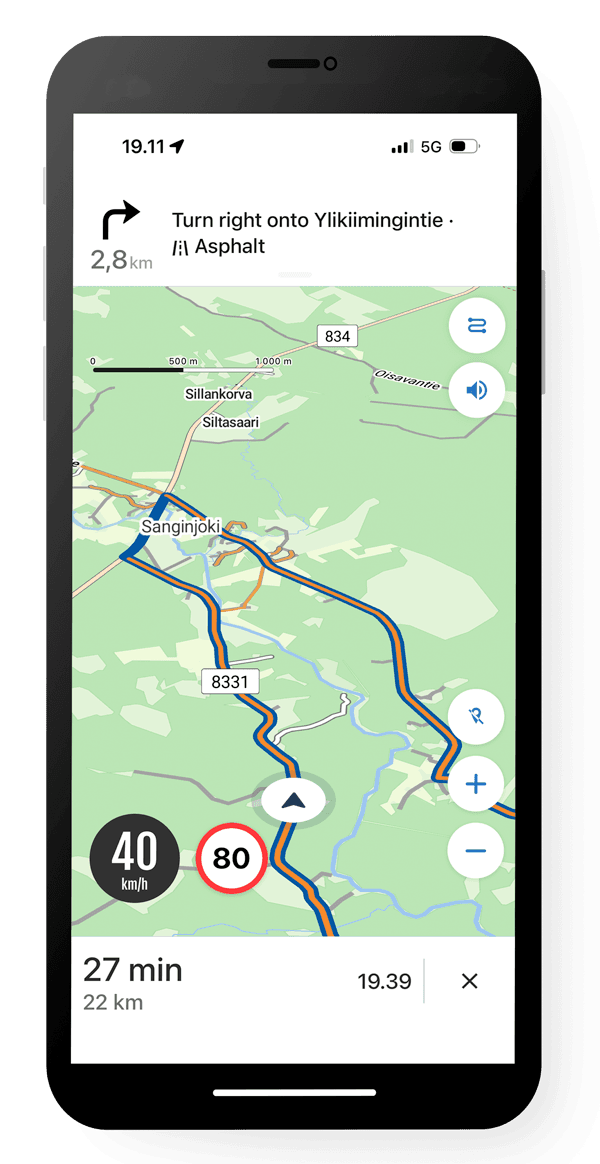
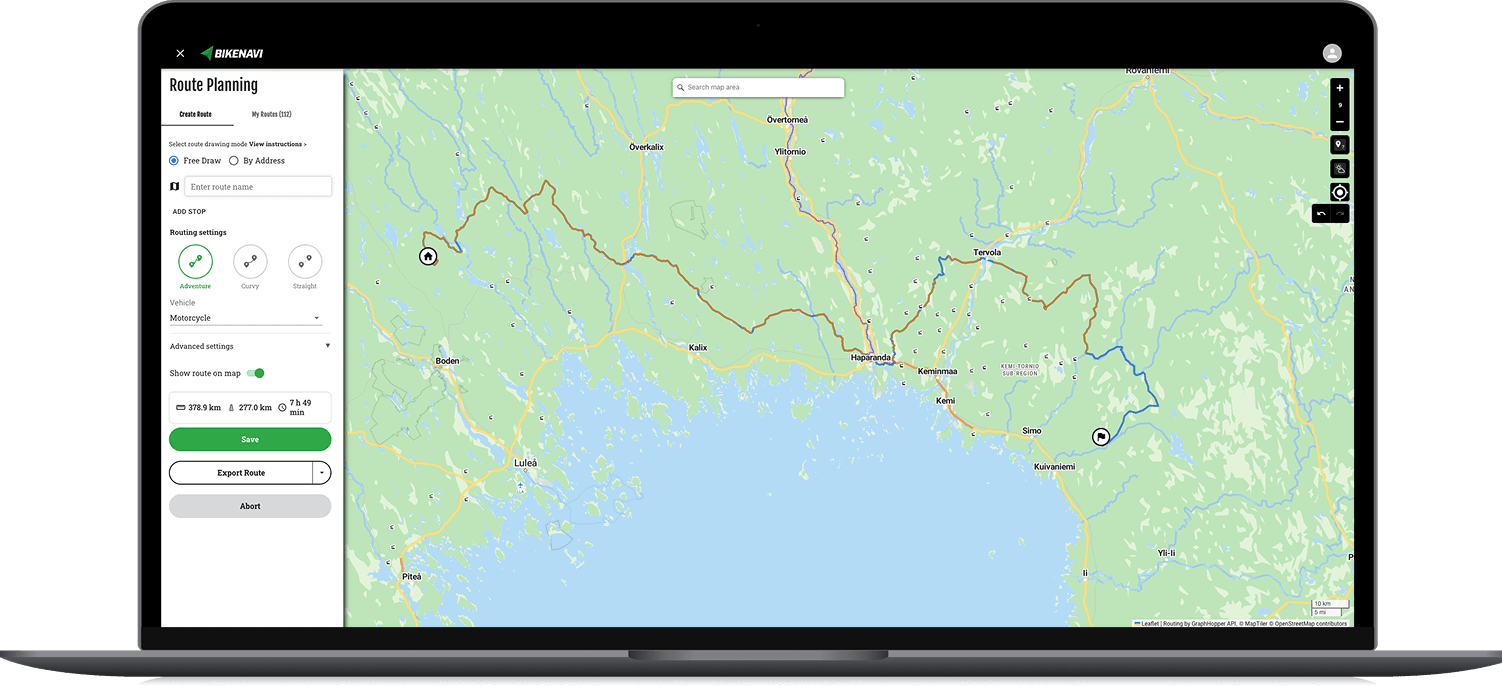
How Bikenavi works
Bikenavi apps
Latest News
Ordering has been revamped
We have revamped the application subscription process. Orders are no longer placed through the online store (shop.bikenavi.fi). You can now purchase a subscription directly from the mobile app (Android and iOS). You can try Bikenavi for free for seven days before continuing your subscription. In addition, route planning is available on the app.bikenavi.fi website [...]
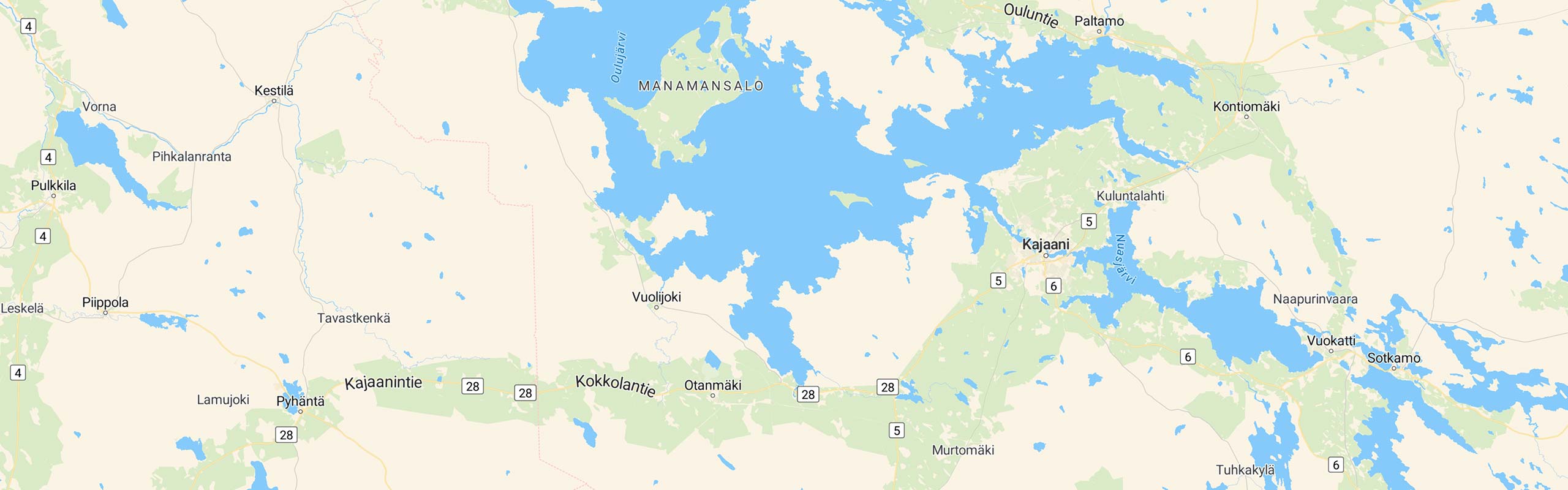
Maps and ordering are being revamped
Features will be released 3/2025 Maps The maps used in the application will be renewed. Five different map templates are used to support planning and navigation. Default Basic Light Topo Aerial View Explore the maps [...]

Hearings and future
Hi! Thank you for being part of this season. Of course, you can also ride in the winter, or you can plan your upcoming summer routes by the fire! We haven't made any major changes to the app in the summer, the functionality has been [...]
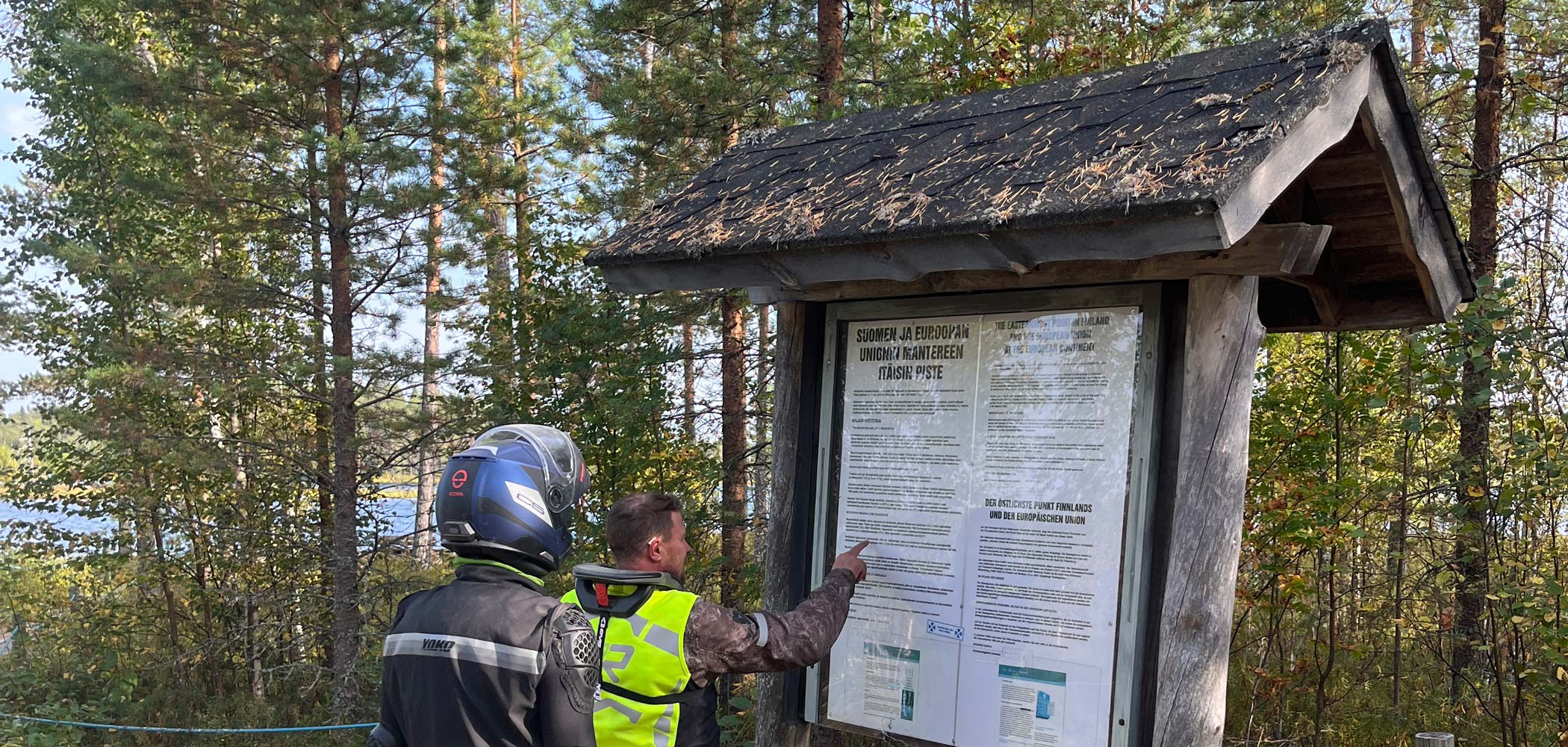
Search for mobile app
Search feature coming soon! We're releasing a search feature to the mobile app that makes finding places even easier. The new feature lets you search for places by both address and category. Once you've found a place, you can create a route to it. This improvement makes using Bikenav [...]
Bikenavi autumn greetings
Signs of autumn are starting to appear in the air, but the driving season is still ahead! In the new update, the long-awaited route import is now ready for both the Android and iOS apps. Download the latest update from the app store. Download the update from the app store [...]

Importing a route file Android
The new route file import feature allows you to import ready-made routes into the application as a GPX file. You can search for routes from TET or Jalki.fi. The new feature is available immediately in the latest update of the Bikenavi application. Download the update and try it yourself! We will improve it later [...]





 Finnish
 English
 Swedish
 German
 French
 Spanish