

Navigate quickly
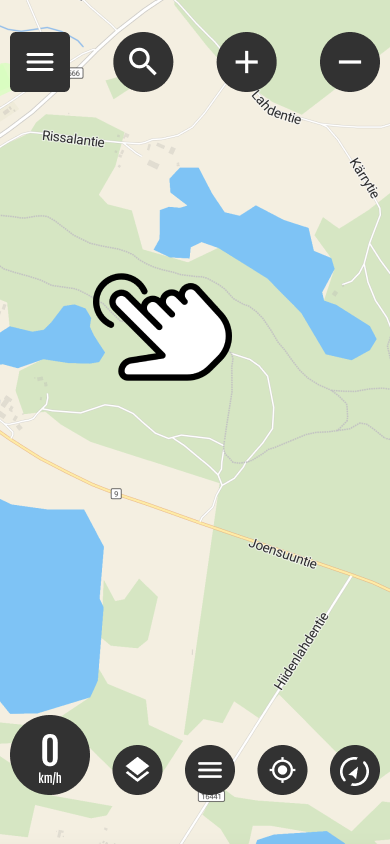
Select destination from the map
You can quickly start navigation by long-pressing on the desired item on the map (long press)
Pressing opens where routing settings are selected.
Select routing option and navigation method
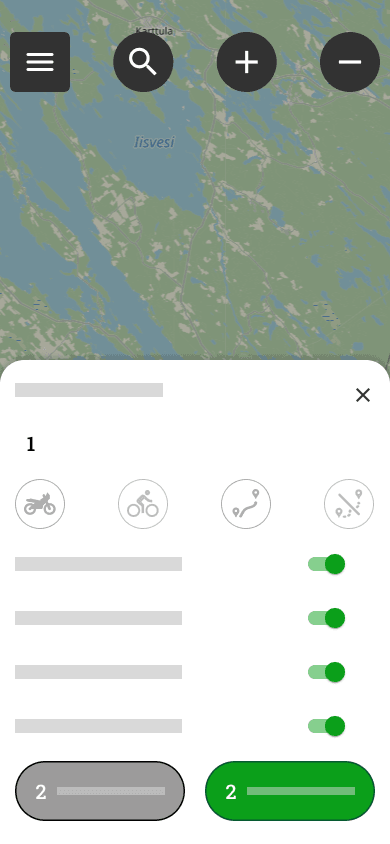
1 routing options
Motorbike
- The most direct route: Only drive on official roads designated for motor vehicles.
- Allow routing for paths: Use caution. The route may also include narrow paths, cycle paths or other sections unsuitable for motorcycles.
Bicycle
- The most direct route: Guides you to your destination along the most direct route, but avoids off-road paths.
- Allow routing for paths: Also utilize small paths and shortcuts in the terrain when routing.
Advanced settings
- Avoid motorways
- Avoid unpaved roads
- Avoid ferries
- Avoid customs duties
2 buttons
- Cancel
- Set
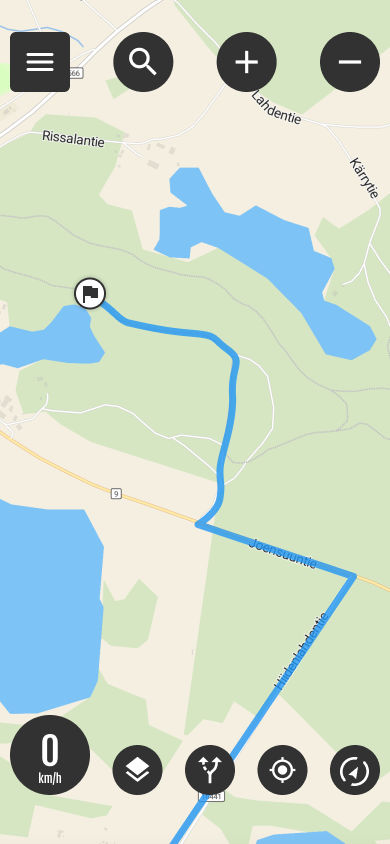
Active route

The Active Route button allows you to:
- Starts route navigation if you have been following a route
- Hides the route
- Cancels the route




 Finnish
  English
  Swedish
  German
  French
  Spanish