

Bikenavi offers six different map layouts, from which the user can choose the one that best suits their needs. The options differ in terms of visuals, road network accuracy, and terrain presentation. The map layout can be easily changed in the application settings.
The vector maps used allow for smooth panning and tilting of the map view, and are lightweight and maintain their accuracy at all zoom levels.
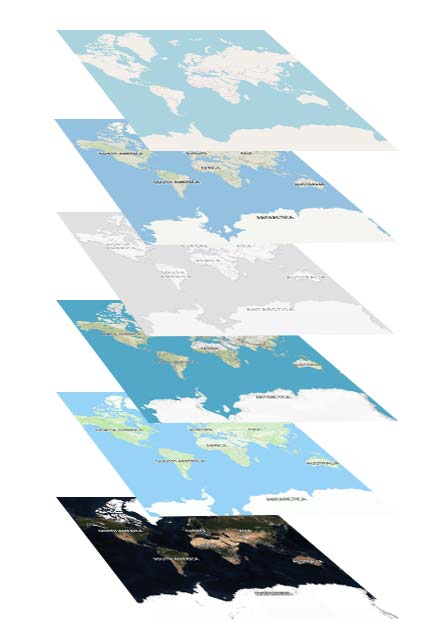
Navigation
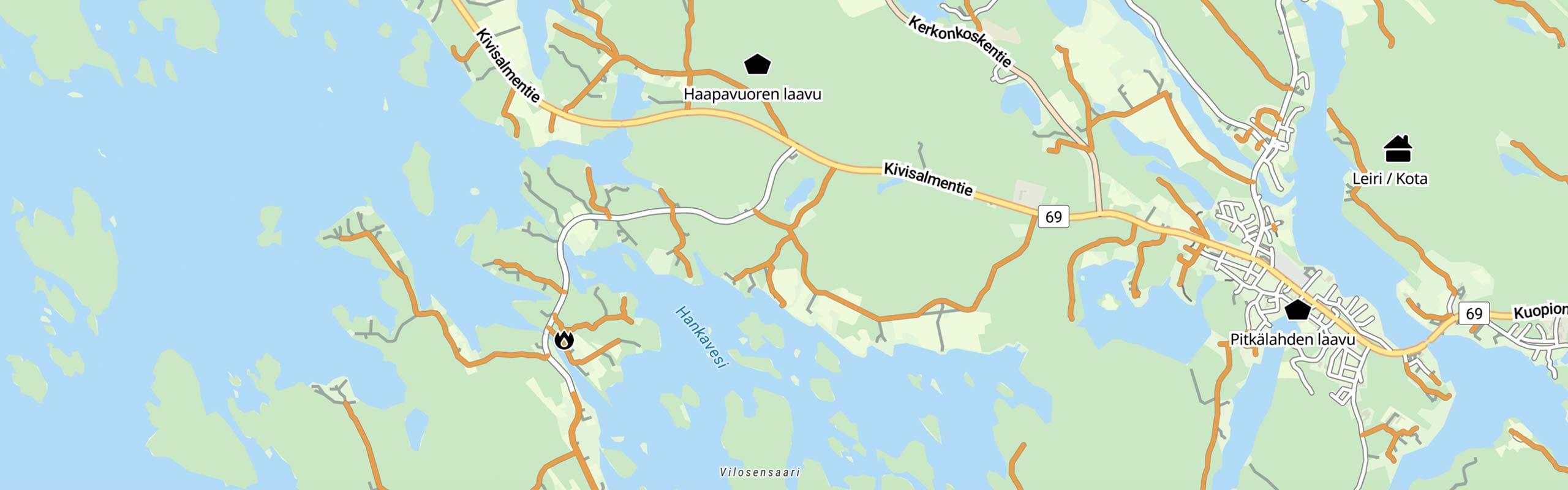
The map emphasizes the precise road network and highlights key location information. It provides a clear and detailed overview of the area, making it easy to navigate and choose routes. Unpaved roads are also clearly visible in the road network., so you always know in advance what kind of road awaits you.
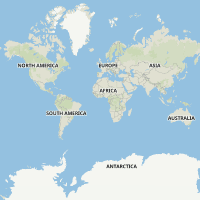
Road explanations on the Navigation Map
Motorway: Multi-lane highway with grade separations
Main road: Regional main road connecting cities
Regional road: Regional connection route between local centers.
Local roads: Roads are visible at zoom levels 10-13 and make route planning easier. Level visible in Europe.
Smaller road: Roads connect villages and residential areas.
Unpaved road: The road surface is not paved, usually gravel.
Service road: Access road to properties, courtyards and parking spaces.
Driving track: Often unpaved and road condition can vary considerably.
Path: A narrow path intended for walking, cycling or outdoor activities. Not suitable for cars.
Path: A more natural narrow path for outdoor activities, accessible on foot.
Plain
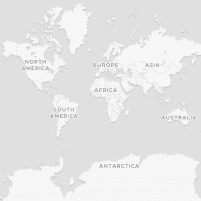
A minimalist and clear map that highlights the road network, trails and key location information. High contrast without distracting details makes navigation easy in all conditions.
Terrain
Shows terrain features with clear contour lines and shading, and highlights key location information. The map combines elevation data and water bodies into an accurate and easy-to-read entity.
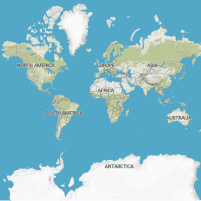
Outdoor
A highly accurate topographic map especially for cyclists and outdoor enthusiasts. The map brings the terrain to life by clearly highlighting even the smallest details and contains many ready-made routes from different countries.
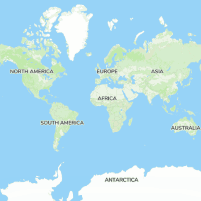
Aerial view
Accurate satellite images help to visualize terrain in real-world conditions. Aerial photography is an invaluable aid, for example, in choosing the best camping spot or landing spot.
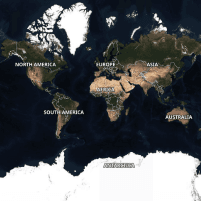
Basic
A base map based on OpenStreetMap data provides an overview of the surroundings. This is the only map option available in the free version of the app.
The little roads have already emerged earlier
Unlike many other map apps, Bikenavi shows smaller roads on the map already at zoom levels 9–13. This means that local roads, for example, are visible earlier, which makes route planning easier.

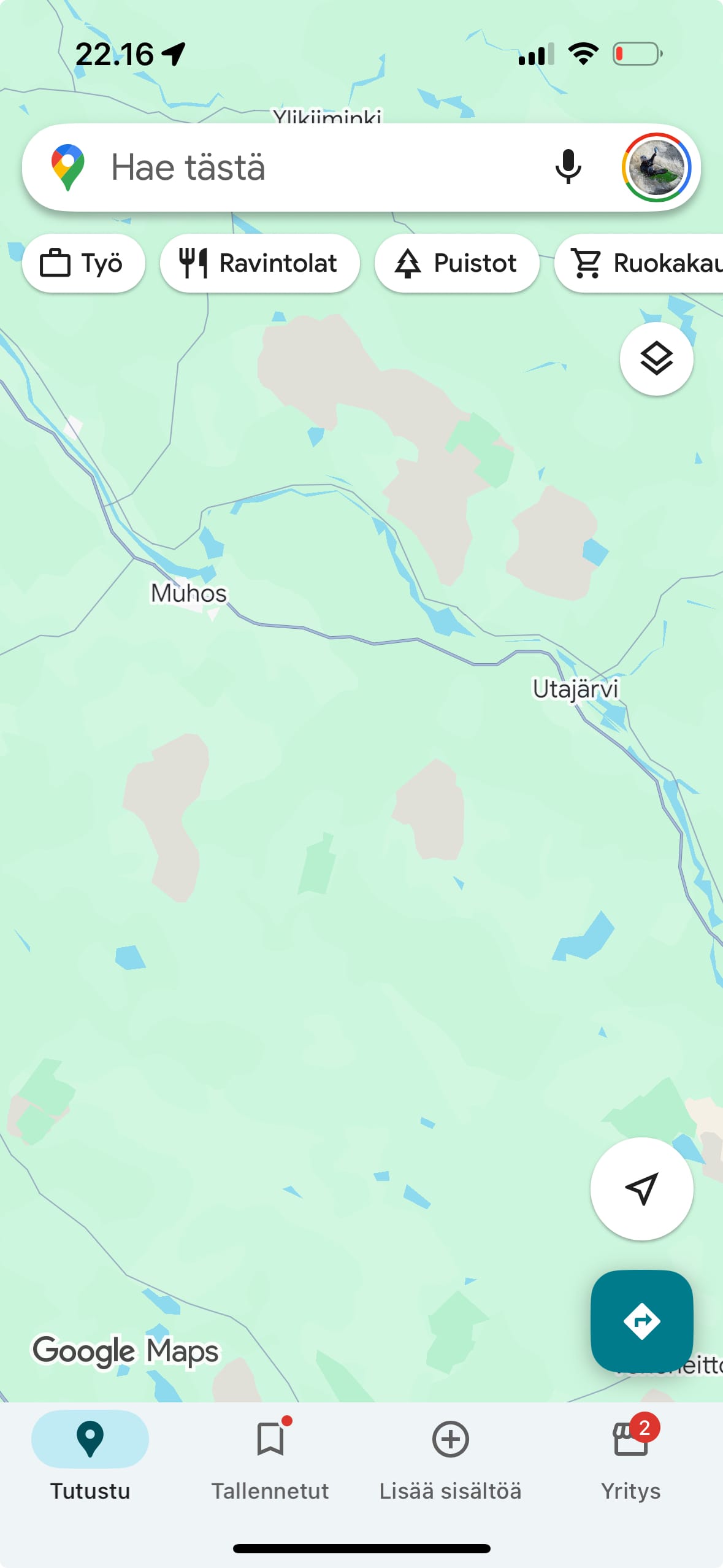
Unpaved road and location information
You can easily identify unpaved roads on the map by their orange based on color. This makes it easier to choose the right route and helps you predict the quality of the road surface at a glance. The information is displayed Navigation and Plain on the map.
The following maps highlight location information: Navigation, Plain, Terrain, Outdoor.

Gas stations

Rest areas

Campfire sites

Restaurants / Eateries

Campsites

Shelters / lean-tos

Huts / Cabins

Accommodations

Viewpoints

Attractions





 Finnish
 English
 Swedish
 German
 French
 Spanish