

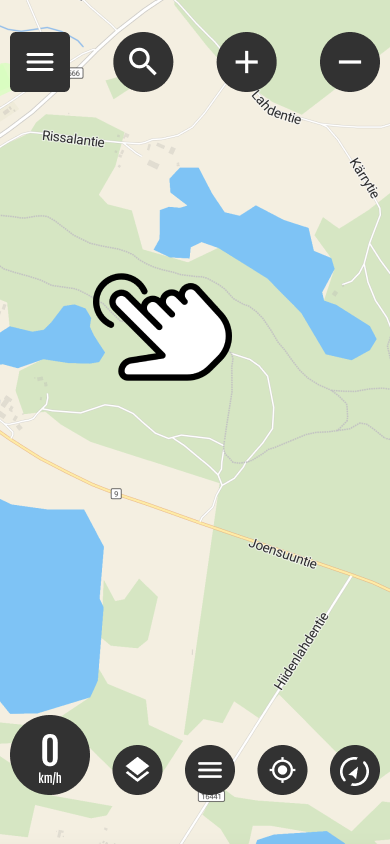
Fast track function
You can quickly start navigation by long-pressing the map on the desired destination. This will open a menu where you can choose between two different options:
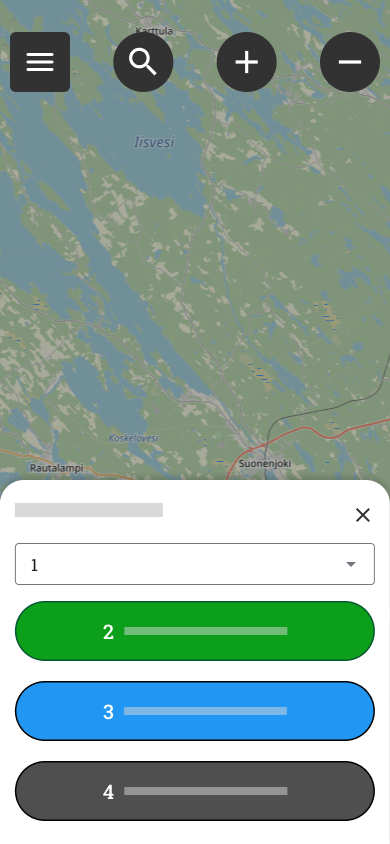
1 Route options
You can choose either the most direct route or allow routing paths.
2-3 Guidance options
2. Follow the route (Without guidance)
This mode shows the route to the destination on the map, but does not provide separate driving directions.
Hiding a route: You can hide or show the route line by pressing the route view.
Termination: You can stop tracking by pressing the ”Route” button.
3. Navigate (Visual and voice guidance)
This feature guides you to your destination using visual instructions and voice guidance. While navigating, you can:
To look at the whole: View the entire route at once.
Manage sounds: Turn driving instructions sounds on or off.
Explore the environment: Browse the map freely while navigation is in progress.
Return to view: Centers the map back on your location.
Stops navigation: End the tour at any time.
4. cancel closes the menu
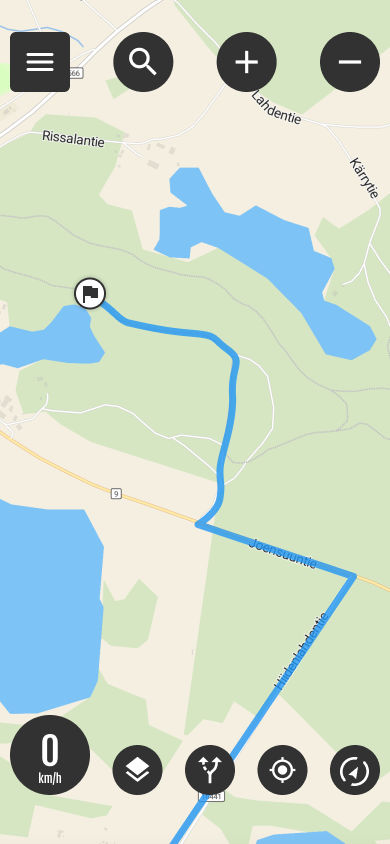
Fast track ready
Quick route on the map

With the button you can:
- interrupt the route
- start navigation if you have followed the route




 Finnish
 English
 Swedish
 German
 French
 Spanish